
Collaborative Post
Knowing that helpful tools and advice is available to help keep your child safe online will equip you with the knowledge and skills to ensure they use the internet safely. Nearly half of young people feel they are addicted to their phones; also strangers can pop up anywhere from emails, instant messenger, texts, social media sites or chat functions in online games.
While your child may feel they know someone or get to know someone, there are people online that pry on this. It’s important, therefore to talk to your child about these issues, discuss and set boundaries and come to an agreement and understanding. Ensuring your child knows what to do if they are concerned about this issue and as a parent check the content they are looking at or using is age-appropriate. Before getting on to the tips, using parental and privacy controls is the best place to start. While this may be easy on a home computer, what about when they are out and about using their smartphone? Equip yourself with the technology available now, for example, there are now easy to set up iCloud Monitoring software which you can find if you visit the website here. Knowledge is most certainly power when it comes to keeping your child safe online.
Below are just some of the top tips for keeping your child safe online.
- Talk to your children
These days children are accessing the internet and participating in online chat forums from a very young age and as parents, having the conversation as early as possible is vital. Talk to them about the dangers of the internet, speak honestly and appropriately depending on their age and listen to them too. Understand how they use their devices online and take an interest.
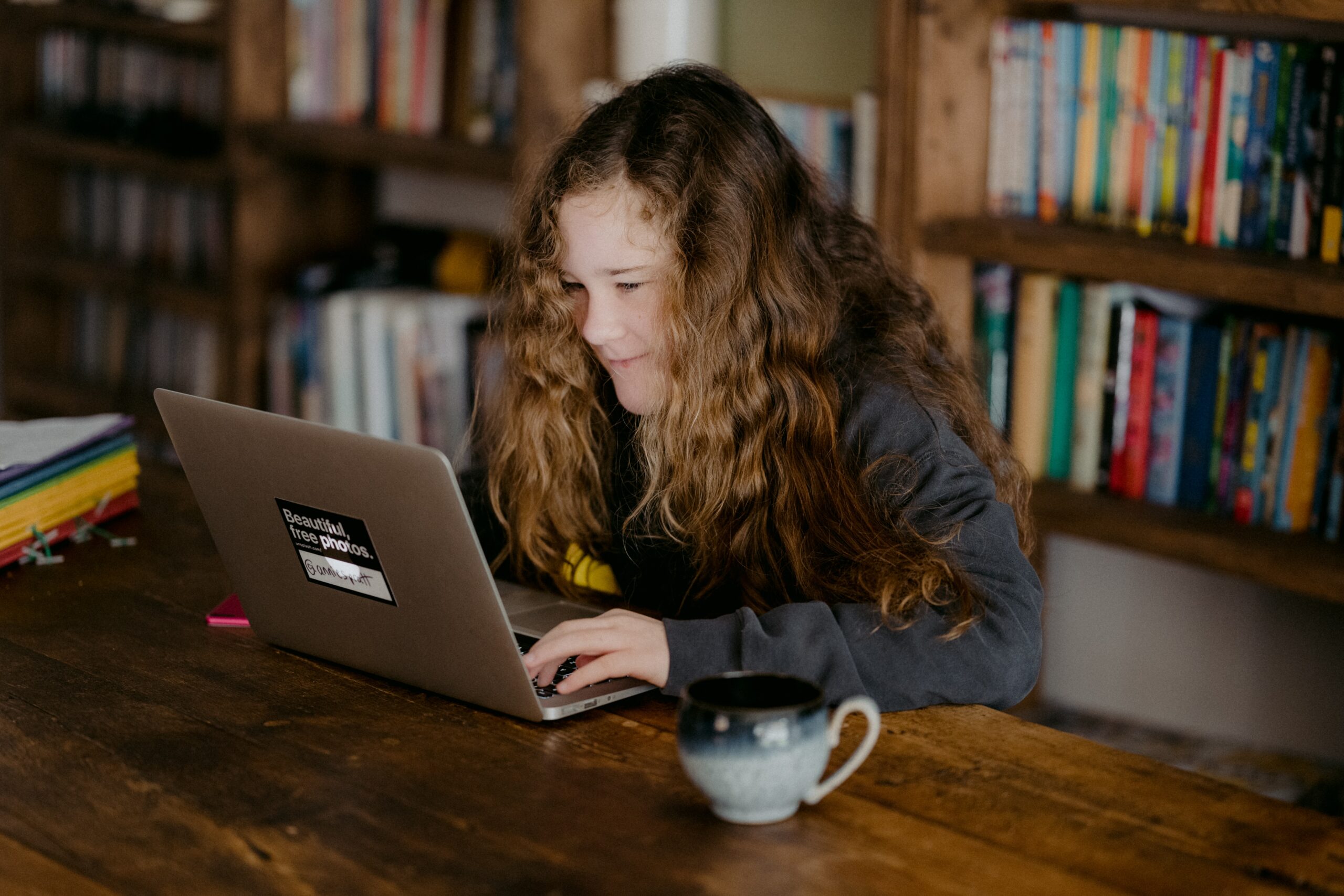
Photo by Annie Spratt on Unsplash
- Keep sight of your devices
This means having the main computer in an area of the house where you can see what your children are viewing online. Try your best to keep devices out of bedrooms.
This may become more difficult as your child gets older, but that is a time when you can negotiate with them regarding being online.
- Know how your child gets online
There are so many different ways to connect online, from tablets, computers, phones, games consoles. Make yourself aware of how your child connects online and ensure there are ways to supervise this. If you don’t know, then it goes back to having the conversation with your child.
- Remind your child about the dangers of talking to strangers
Ensure your child understands the dangers of talking to strangers. Also, emphasize the importance of never sharing personal information online to people they don’t know. This includes contact information, such as their address or phone number.
- Share internet time with your child
Make using the internet fun and take some time to play with your child or watch something online together. This can be watching a movie or watching something your child has an interest in. The internet also has positive benefits so ensure your child knows this too. You can also set an internet free evening where you all put down your devices and spend time as a family where you can play fun sports games.
- Know passwords
As your child gets older, this may be an issue in terms of their privacy but for younger children having access to their passwords will ensure you can keep them safe online and check there isn’t anything untoward going on. Let your children know you will be checking their accounts for this reason.
- Watch out for your child’s behaviour
If you see a change in your child’s behaviour or they seem withdrawn, it may mean there are issues around the internet. Talk to your child about their shift in behaviour, check their online platforms to ensure they aren’t being bullied online.
- Check browser history
As well as having passwords and checking social media accounts, looking at your child’s browser history is also important. This will give you an idea of where they have been in case any issues. Also, talk to your child about appropriate sites and what isn’t acceptable.
- Set boundaries
Talking about boundaries and setting these together will ensure children stick to the rules. Be open and transparent with your child and allow them to express how they are feeling about the boundaries. Having them think about what they want too will ensure you can set rules that they will follow.
As a parent, it can be difficult to limit the time your child spends online or indeed monitor what they are viewing. There are so many different technological advances that will make this job so much easier for you as a parent. Talk to your internet service provider to see what filters they offer, also make use of the various resources online too.